Notion templates to enhance your AI use
Discover our templates that help you use AI beyond average ways.
![[background image] image of picturesque nearby location (for a bed & breakfast)](https://cdn.prod.website-files.com/693e7d3759d1df3f4f12935f/6960ec0b692f76e8c1ca4cfb_0d117450-09ee-4ffa-93dd-2f924d7c3092.avif)
![[background image] topdown photo of a desk with a laptop and a plant (for a moving & storage company)](https://cdn.prod.website-files.com/693e7d3759d1df3f4f12935f/693e7e9f963e71bdbee2bc49_81868487-0b20-4af1-aace-2d82191a7436.avif)



![[background image] clothing item with care instructions](https://cdn.prod.website-files.com/image-generation-assets/08004b1b-0eaf-4f89-af57-8125712a6807.avif)
Discover our templates that help you use AI beyond average ways.
For managing your studies, work and personal life

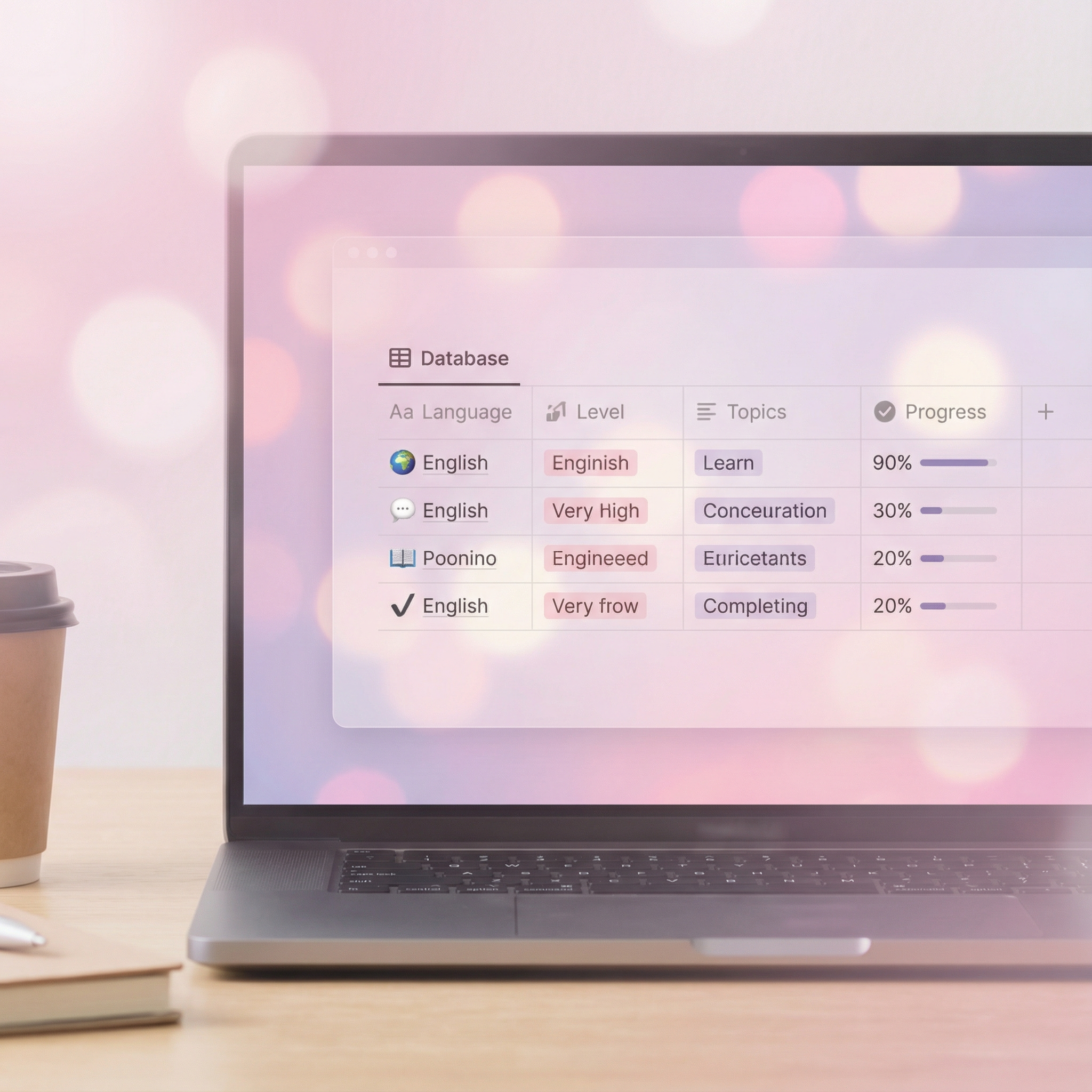
AI can assist you with your language studies but it won't track your progress. Use this template to solve it and save money on structured teaching

Learn by doing. Theory in the visual way, start creating from day 1
Across all channels, from market and target audience research to scheduling content

Non-obvious ways to acquire AI-powered advantage
“AI kits transformed our daily operations. The platform’s simplicity and smart features made teamwork seamless. A must-have for businesses looking to boost productivity.”

Quick answers about our AI kits and how they work for you or your business.
You'll be automatically redirected to the template page where you can click the "Duplicate" button to add it to your workspace.
No specific knowledge required. And you'll find step-by-step guidance built right into the template, exactly where you need it.
Generally no, but certain features like charts may require it. Each template clearly indicates whether a paid plan is needed, which specific features require it, and what limitations you might encounter with the free version.
Absolutely. All templates are fully customizable—you can modify layouts, add or remove sections, and adjust content to fit your specific workflow.