Most launches fail quietly. Not because the product was bad, but because the creator posted once, got nervous, and went silent. A launch is a sequence, not an announcement — and sequences are exactly what Notion is good at holding.
Here's a seven-day launch plan you can run from a single Notion board. Each day has a clear job, a piece of content, and a measurable action. Follow it in order.
Set up the board first
Before Day 1, build a simple Notion database — "Launch Plan" — with one row per day and these properties:
- Day (number, 1–7)
- Theme (text)
- Email (text — the send for that day)
- Social posts (text — platform-specific copy)
- Tasks (checkbox list or sub-items)
- Status (select: Planned → Ready → Done)
View it as a board grouped by Status, or a timeline by Day. Now you can see the whole arc at once instead of improvising daily.
Day 1 — Tease
Theme: Something is coming.
Don't reveal the product yet. Reveal the problem it solves. Post about the pain your audience has — the messy workflow, the wasted hours, the thing they keep complaining about. End with a soft "I've been working on a fix."
- Email: Short. "For months I've watched [audience] struggle with [problem]. On [launch day] I'm releasing something for it."
- Social: One post naming the problem vividly. No link.
- Task: Confirm the product file, checkout link, and delivery all work end to end.
Day 2 — Story
Theme: Why I built this.
People buy from people. Share the origin: the moment you hit the problem yourself, or watched someone you care about hit it. This builds the trust that converts later.
- Email: Your story, ending with what you decided to build.
- Social: A behind-the-scenes shot — the messy draft, the early version.
- Task: Write the sales page headline and the three core benefits.
Day 3 — Reveal
Theme: Here it is.
Show the product. Name it, show what's inside, show the transformation. This is the first time you say the price and the launch date.
- Email: Full reveal. Screenshots, what's included, the price, "opens [day]."
- Social: A carousel or short video walking through the product.
- Task: Finish and publish the sales page (still "coming soon" on the button).
Day 4 — Proof
Theme: It actually works.
Objections are loudest right before a launch. Counter them with proof: a beta tester's result, a testimonial, a screenshot of the thing in action, or a free sample of the value.
- Email: Lead with proof. "Here's what [tester] did with it in a week."
- Social: Share the sample or result publicly.
- Task: Write your launch-day and cart-close emails in advance.
Day 5 — Launch
Theme: It's live.
Cart opens. Be loud. This is the one day you're allowed to post multiple times. Make buying frictionless.
- Email: Short, direct, one clear button. "It's live — get it here."
- Social: Announce across every platform. Pin the post. Reply to every comment.
- Task: Watch checkout in real time; fix any friction immediately.
Day 6 — Address objections
Theme: Is this for me?
Mid-launch, buyers hesitate. Tackle the specific doubts: "Will this work if I'm a beginner?" "How is this different from [free alternative]?" Answer them head-on.
- Email: A FAQ-style send, or one strong objection fully handled.
- Social: Q&A in stories or a thread answering real questions.
- Task: Collect and pin early-buyer feedback as social proof.
Day 7 — Close
Theme: Last chance.
Urgency is honest when it's real. If you're closing the cart or ending a launch discount, say so clearly. Most launch revenue lands in the final hours.
- Email: Send two — morning ("closes tonight") and a few hours before close ("final hours").
- Social: Countdown posts. Restate the offer one last time.
- Task: Close the cart on schedule. Thank buyers. Log results in your board.
After the seven days
Update your launch board with the real numbers — revenue, conversion, which email drove the most sales. Duplicate the board for next time. Your second launch starts from data, not a blank page.
The takeaway
A launch works when it's a planned sequence that builds from problem to proof to urgency — and when you don't go quiet halfway through. Notion holds the plan so you can execute it on autopilot instead of inventing each day under pressure. Build the board, fill all seven rows before Day 1, and just run the play.
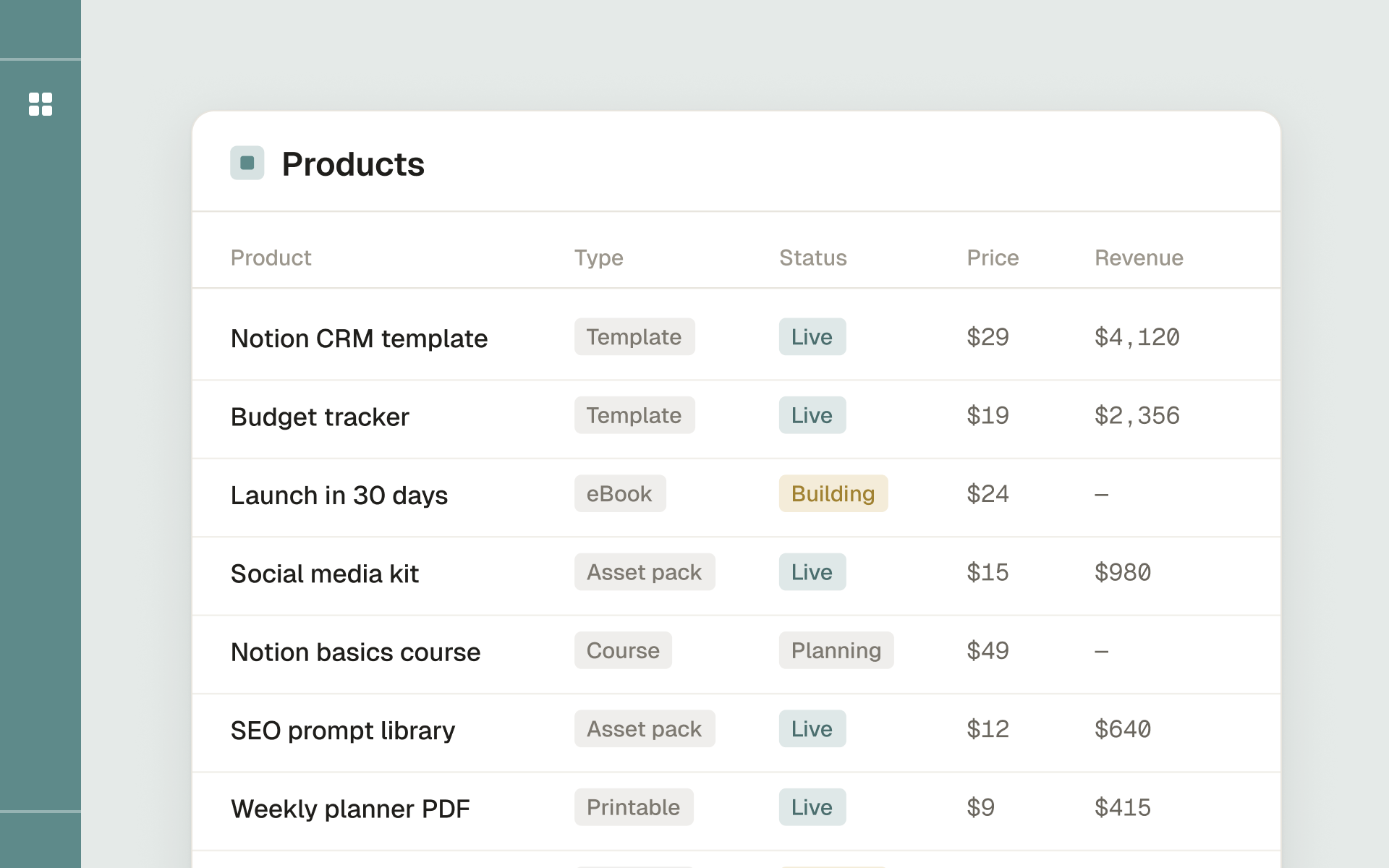
Plan, launch and track a digital product business from one Notion workspace.