Spanish Grammar Notion Template
Spanish grammar rules, patterns and tricky cases in one trackable Notion system.
- Works on the Notion free planNo paid Notion add-ons needed.
- Instant delivery by emailYour duplicate link arrives right after payment.
- 14-day refundNot the right fit? Email hi@aikits.org.
- Secure Stripe checkoutCard, Apple Pay and Google Pay.
WHAT'S INSIDE
One page, four parts, ready to fill.
Master Spanish grammar with a structured Notion system. This template organizes grammar points, patterns, and tricky cases into a clear, trackable framework. Key Features • Grammar Points Database: Every rule with examples and your own notes. • Pattern & Conjugation Tracker: Ser vs estar, por vs para, the subjunctive, and full verb conjugations. • Filtered Study Views: Surface what's due, weak, or mastered. • Progress Rollups: Watch your % learned grow as you go. 5 Primary Use Cases 1. Self-study Spanish grammar systematically. 2. Prepare for exams with organized rules. 3. Track weak spots and review them on schedule. 4. Build a personal patterns library. 5. Keep grammar in one place instead of scattered apps. For learners who want Spanish grammar organized, not chaotic.
- Includes
- Grammar points database
- Conjugation tracker
- Due / weak / mastered views
- Progress rollups
- Best for
- Spanish learners and exam prep
- Works with
- Notion free planPlus & BusinessDesktop & webiOS & Android
HOW DELIVERY WORKS
From checkout to your workspace in three steps.
- 1
Pay once with Stripe
Card, Apple Pay or Google Pay. $9, no subscription, receipt by email.
- 2
Get the link
The template link lands in your inbox right after payment and on the confirmation page.
- 3
Duplicate into Notion
Click Duplicate, pick your workspace and start filling it in. Done.
QUESTIONS
Before you buy
Anything else — write to hi@aikits.org and a real person answers within 1 business day.
Do I need a paid Notion plan?
No. Spanish Grammar works on the free Notion plan. It is built from ordinary Notion databases and views, which free accounts have in full; only guest access and version history depend on your plan.
How do I get the template after paying?
The duplicate link arrives by email right after payment and is also shown on the confirmation page. Open it, click Duplicate and pick your workspace.
Can I change the fields and views?
Yes. It is an ordinary Notion page: rename properties, add views, delete what you don't need. Nothing is locked.
What if it is not right for me?
Email hi@aikits.org within 14 days of purchase and we refund the full $9. No forms, no questions.
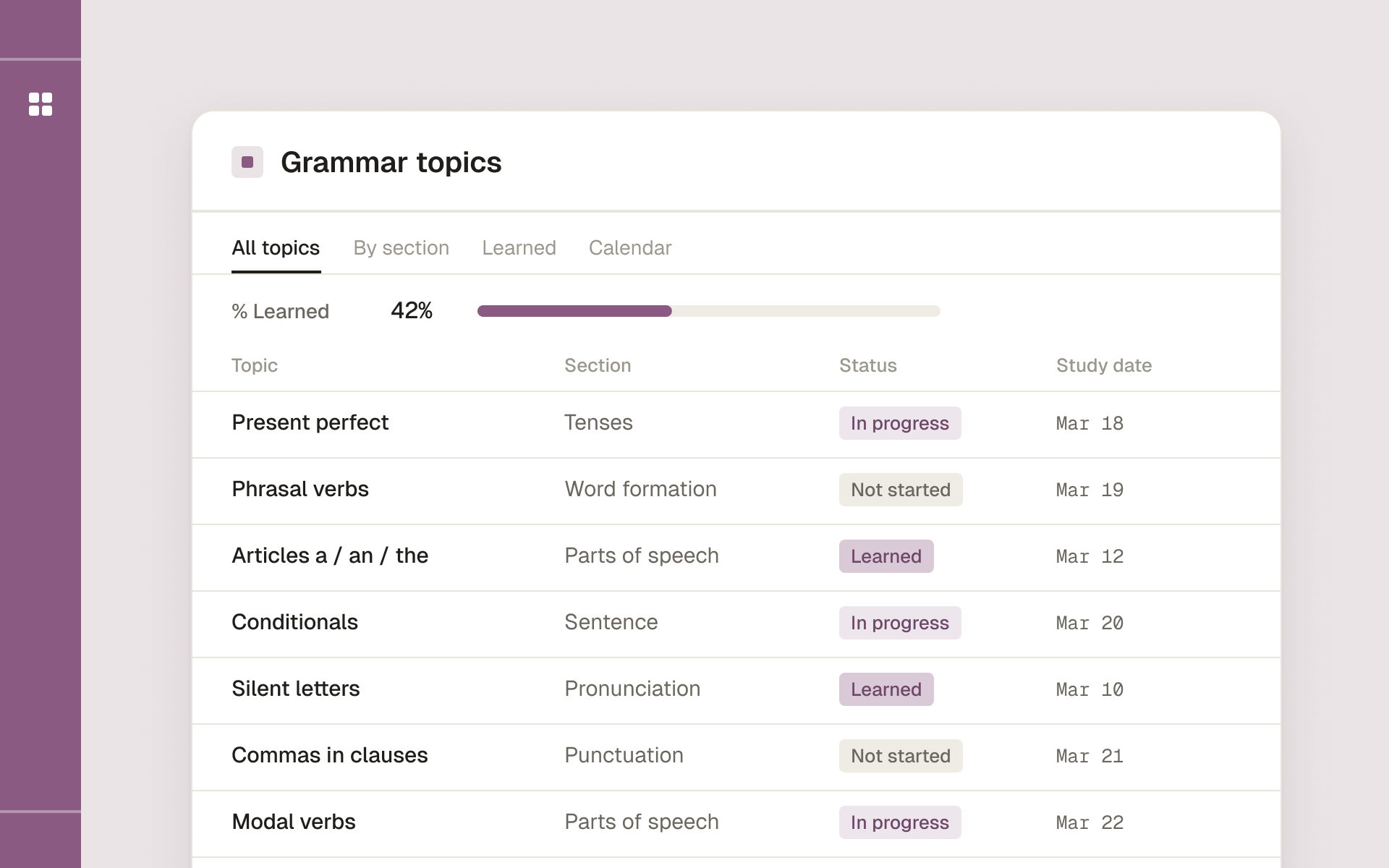
English Grammar Study Planner
- Topic
- Languages
- Includes
- Grammar topics database · Lesson pages with exercises and answer keys · Study dates · % learned per section
- Best for
- Self-taught English learners who want a steady routine
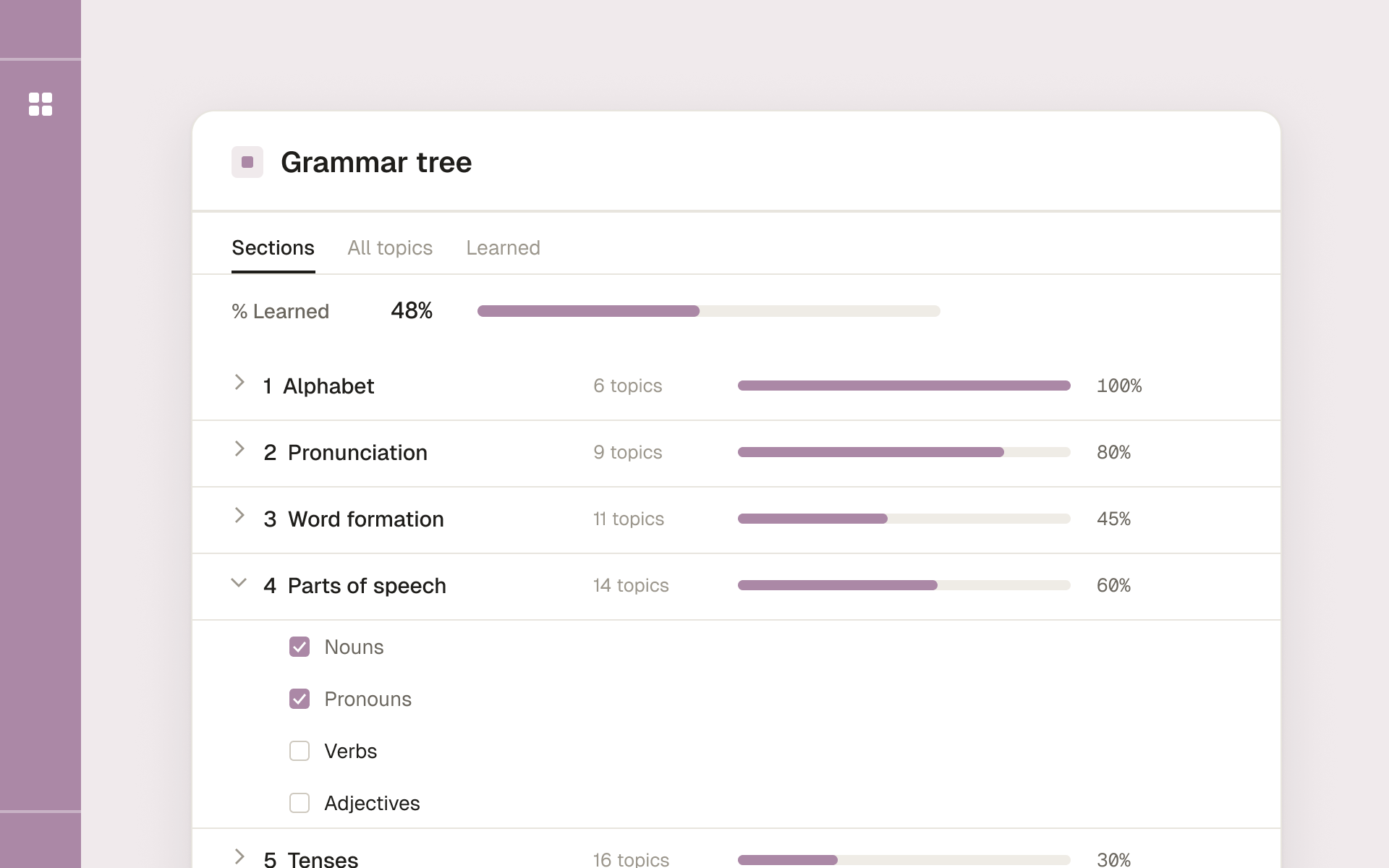
Any language Grammar Tree
- Topic
- Languages
- Includes
- 7 sections: alphabet, pronunciation, word formation, parts of speech, tenses, sentence, punctuation
- Best for
- Self-study, teachers and polyglots
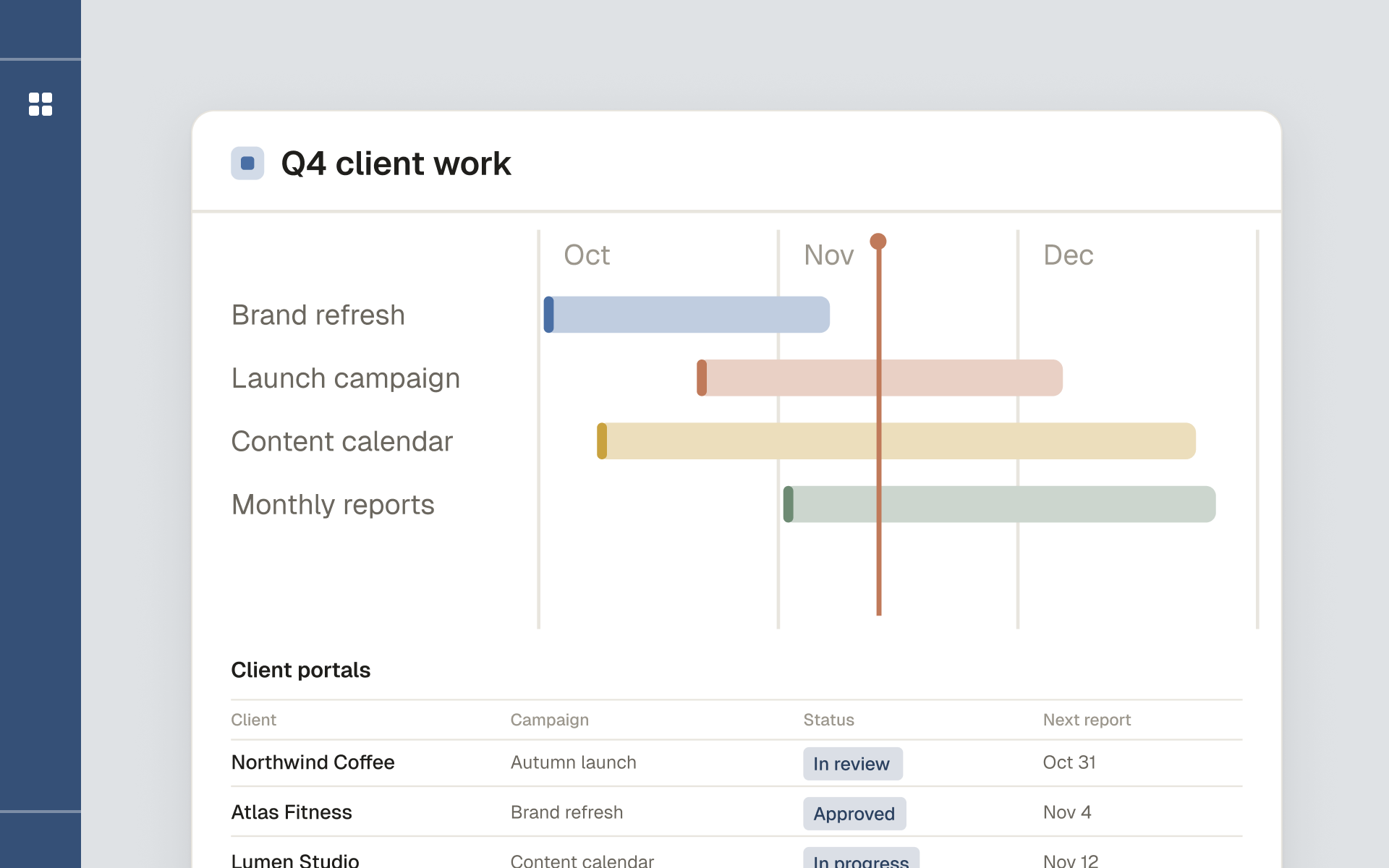
Marketing Agency Framework
- Topic
- Business
- Includes
- Client portals · Campaign planning · Asset library · Standardized reporting · Guide to sharing portals safely
- Best for
- Marketing, SMM and content agencies