Vegan Meal Planner for Notion
Plan a week of plant-based meals and get the grocery list built from the plan.
- Works on the Notion free planNo paid Notion add-ons needed.
- Instant delivery by emailYour duplicate link arrives right after payment.
- 14-day refundNot the right fit? Email hi@aikits.org.
- Secure Stripe checkoutCard, Apple Pay and Google Pay.
WHAT'S INSIDE
One page, four parts, ready to fill.
Plan plant-based meals without the chaos. The Vegan Meal Planner connects recipes, your weekly plan, and grocery list into one system that updates itself. Key Features • Recipe Database: Tag by meal type, cook time, and main ingredient. • Weekly Meal Plan: Assign recipes to days and see the week at a glance. • Auto Grocery List: Ingredients roll up from your plan, grouped by aisle. • Nutrition Tracking: Keep an eye on B12, iron, and protein coverage. 5 Primary Use Cases 1. Plan a full week of vegan meals in minutes. 2. Generate a grocery list automatically. 3. Track nutrient coverage across the week. 4. Organize meal-prep components for fast assembly. 5. Build a searchable plant-based recipe library. For anyone who wants vegan eating organized, varied, and easy to shop for.
- Includes
- Recipe database
- Weekly plan
- Auto grocery list
- Nutrient tracking (B12, iron, protein)
- Best for
- Vegan and plant-based households
- Works with
- Notion free planPlus & BusinessDesktop & webiOS & Android
HOW DELIVERY WORKS
From checkout to your workspace in three steps.
- 1
Pay once with Stripe
Card, Apple Pay or Google Pay. $9, no subscription, receipt by email.
- 2
Get the link
The template link lands in your inbox right after payment and on the confirmation page.
- 3
Duplicate into Notion
Click Duplicate, pick your workspace and start filling it in. Done.
QUESTIONS
Before you buy
Anything else — write to hi@aikits.org and a real person answers within 1 business day.
Do I need a paid Notion plan?
No. Vegan Meal Planner works on the free Notion plan. It is built from ordinary Notion databases and views, which free accounts have in full; only guest access and version history depend on your plan.
How do I get the template after paying?
The duplicate link arrives by email right after payment and is also shown on the confirmation page. Open it, click Duplicate and pick your workspace.
Can I change the fields and views?
Yes. It is an ordinary Notion page: rename properties, add views, delete what you don't need. Nothing is locked.
What if it is not right for me?
Email hi@aikits.org within 14 days of purchase and we refund the full $9. No forms, no questions.
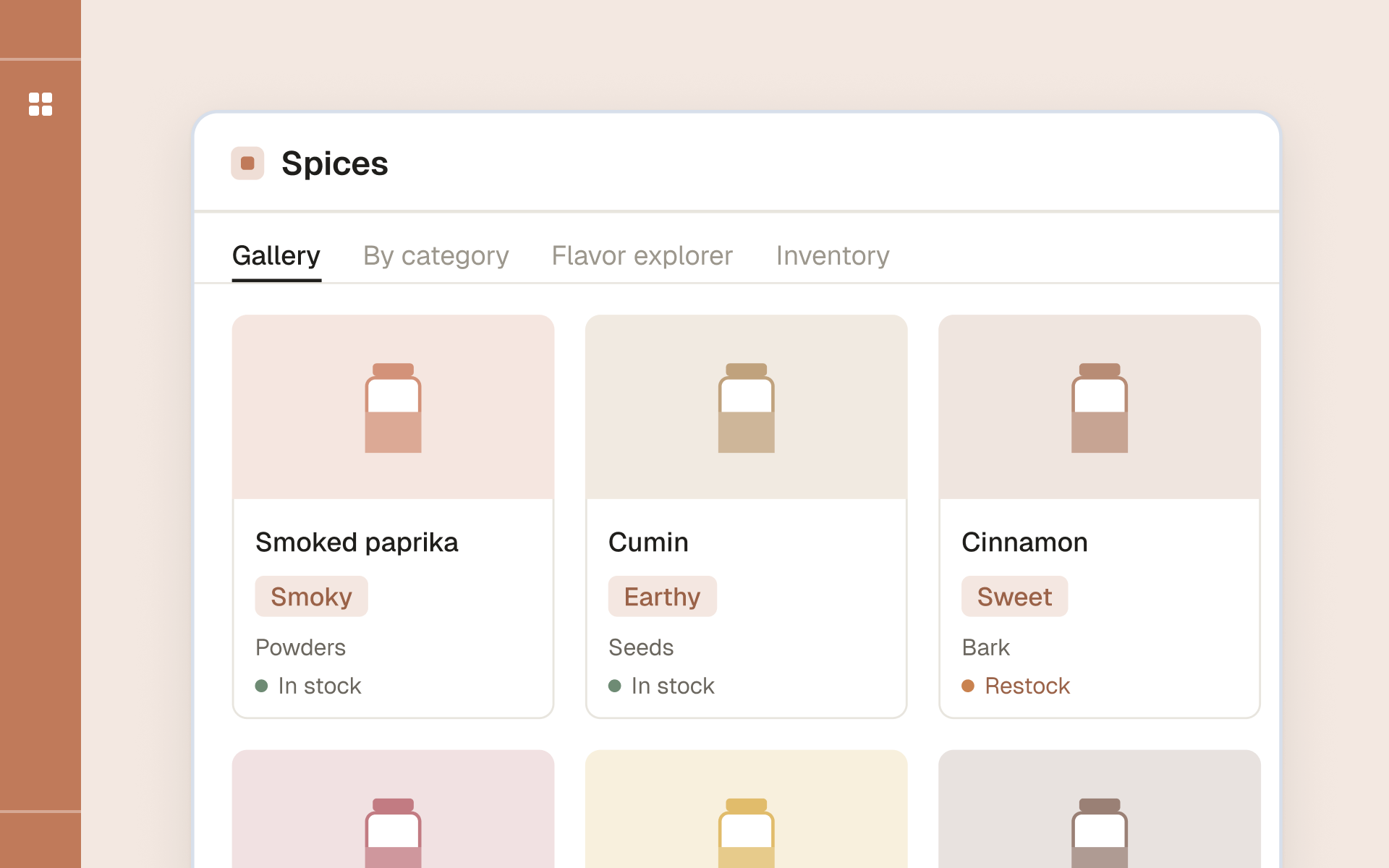
Spice Management Template
- Topic
- Home
- Includes
- Gallery view · By-category board · Flavor explorer · Inventory tracker · Pairing map
- Best for
- Home cooks with a full spice shelf
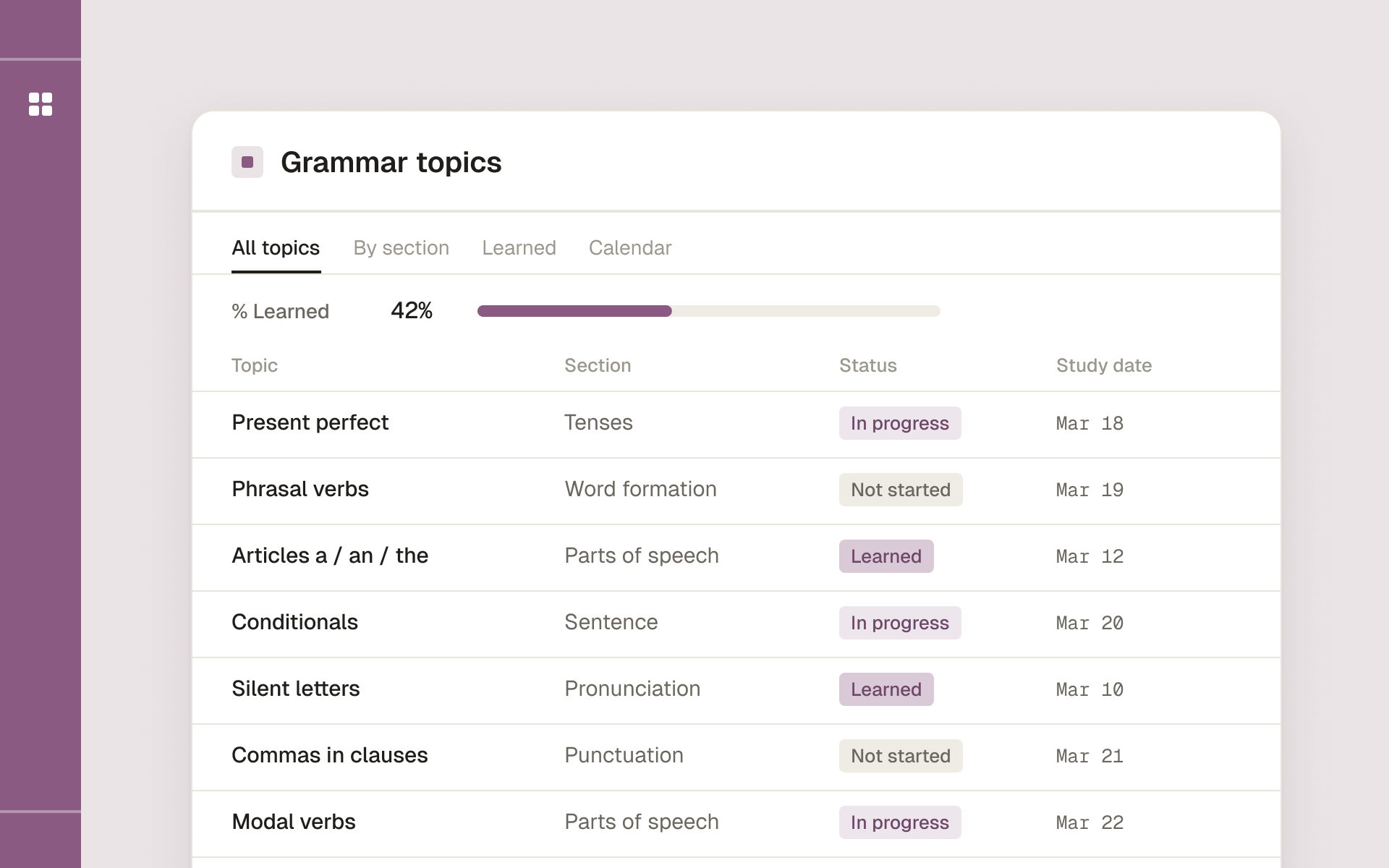
English Grammar Study Planner
- Topic
- Languages
- Includes
- Grammar topics database · Lesson pages with exercises and answer keys · Study dates · % learned per section
- Best for
- Self-taught English learners who want a steady routine
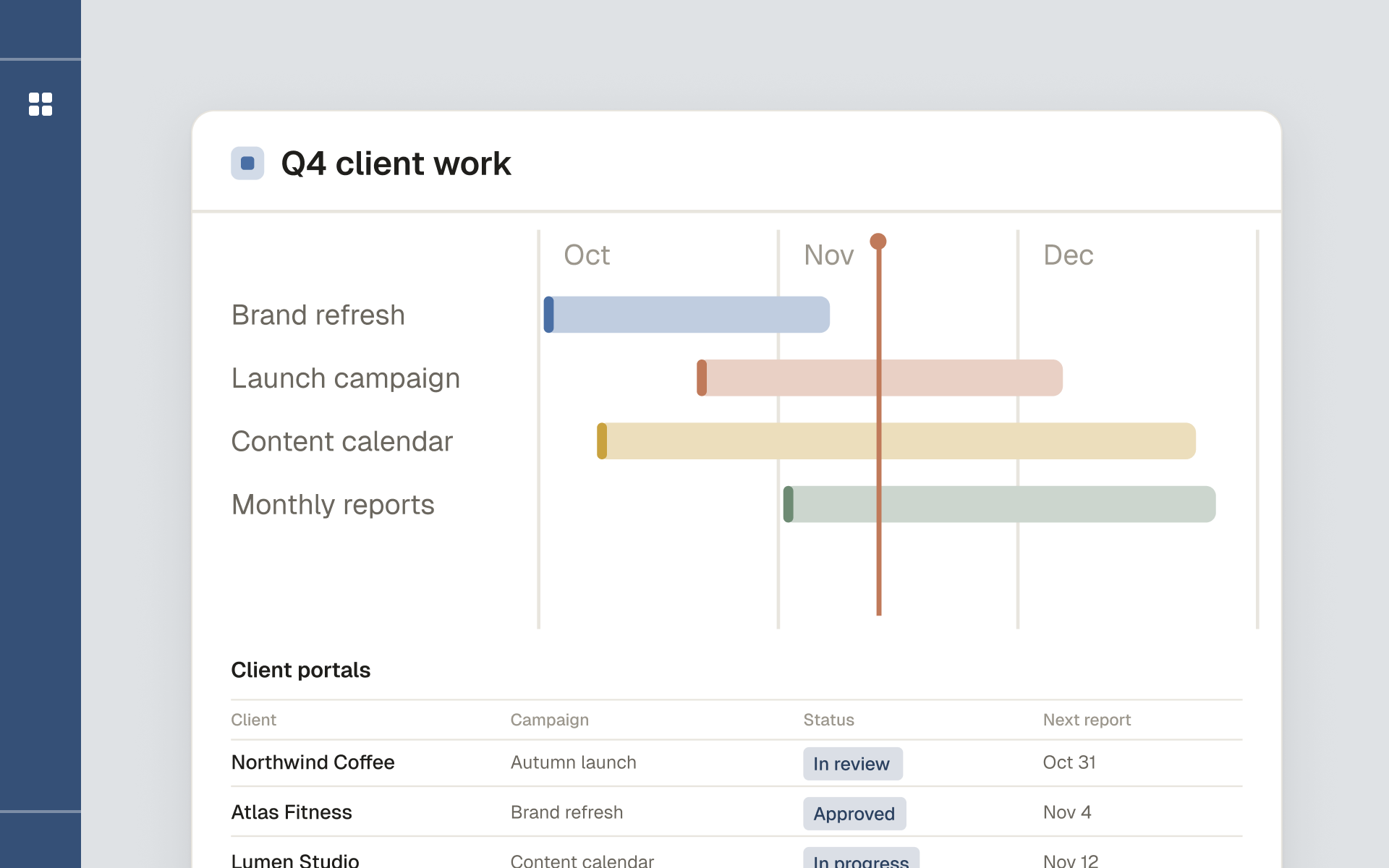
Marketing Agency Framework
- Topic
- Business
- Includes
- Client portals · Campaign planning · Asset library · Standardized reporting · Guide to sharing portals safely
- Best for
- Marketing, SMM and content agencies