Languages
Notion templates for language learning
Language apps are good at vocabulary and weak at grammar. These Notion templates give grammar its own system: every topic in one database, what you have learned marked, and what to review next in view.
The Any language Grammar Tree works for any language and organises grammar into seven sections, from alphabet and pronunciation to tenses, sentence and punctuation. The English Grammar Study Planner adds a session planner and progress view for English. French, Spanish and Chinese grammar templates are on the workbench. They suit self-study, teachers and polyglots who already live in Notion.
6templates · 2 available, 4 coming soon
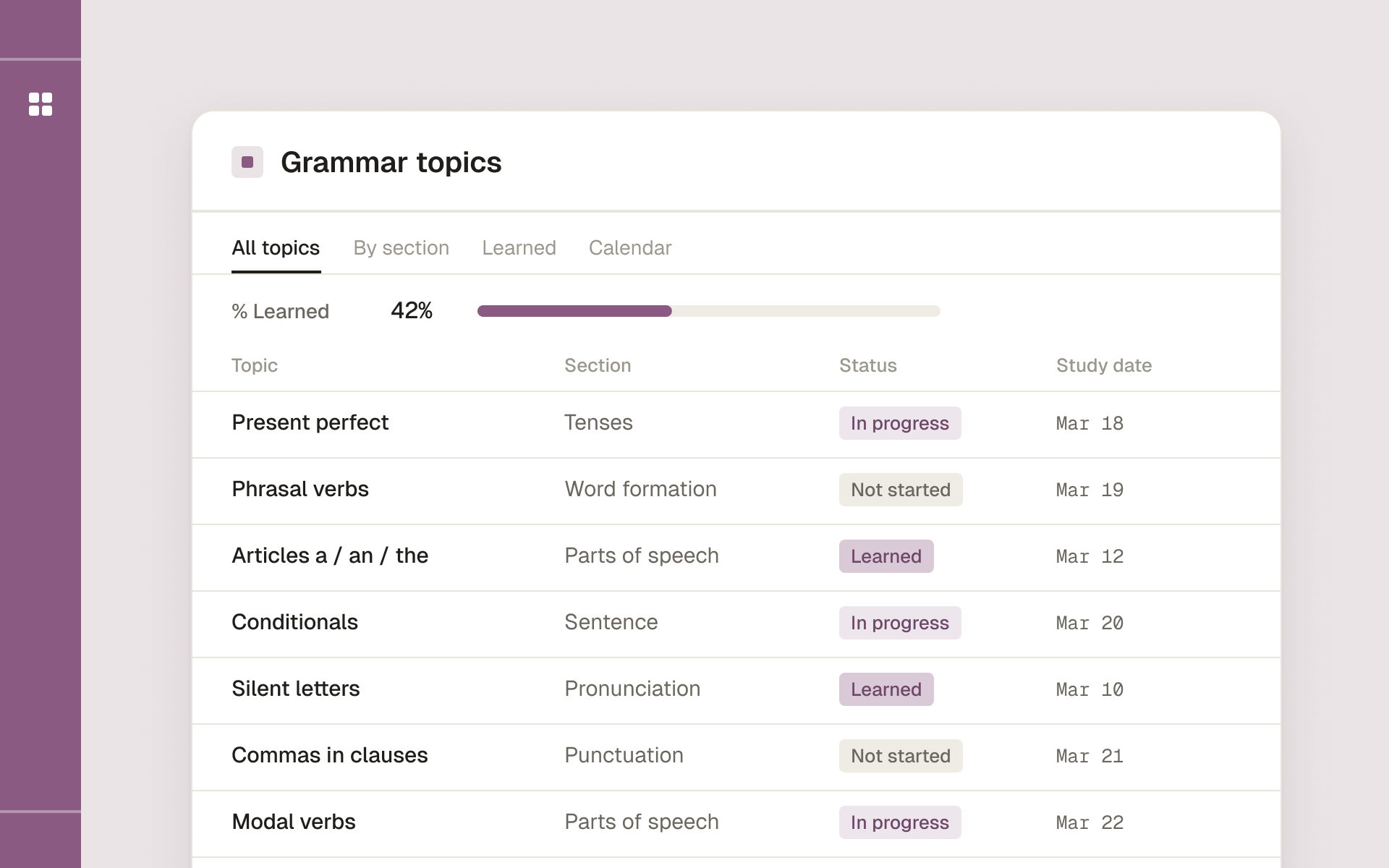
English Grammar Study Planner
- Topic
- Languages
- Includes
- Grammar topics database · Session planner · Learned tracker · Progress view
- Best for
- Self-taught English learners who want a steady routine
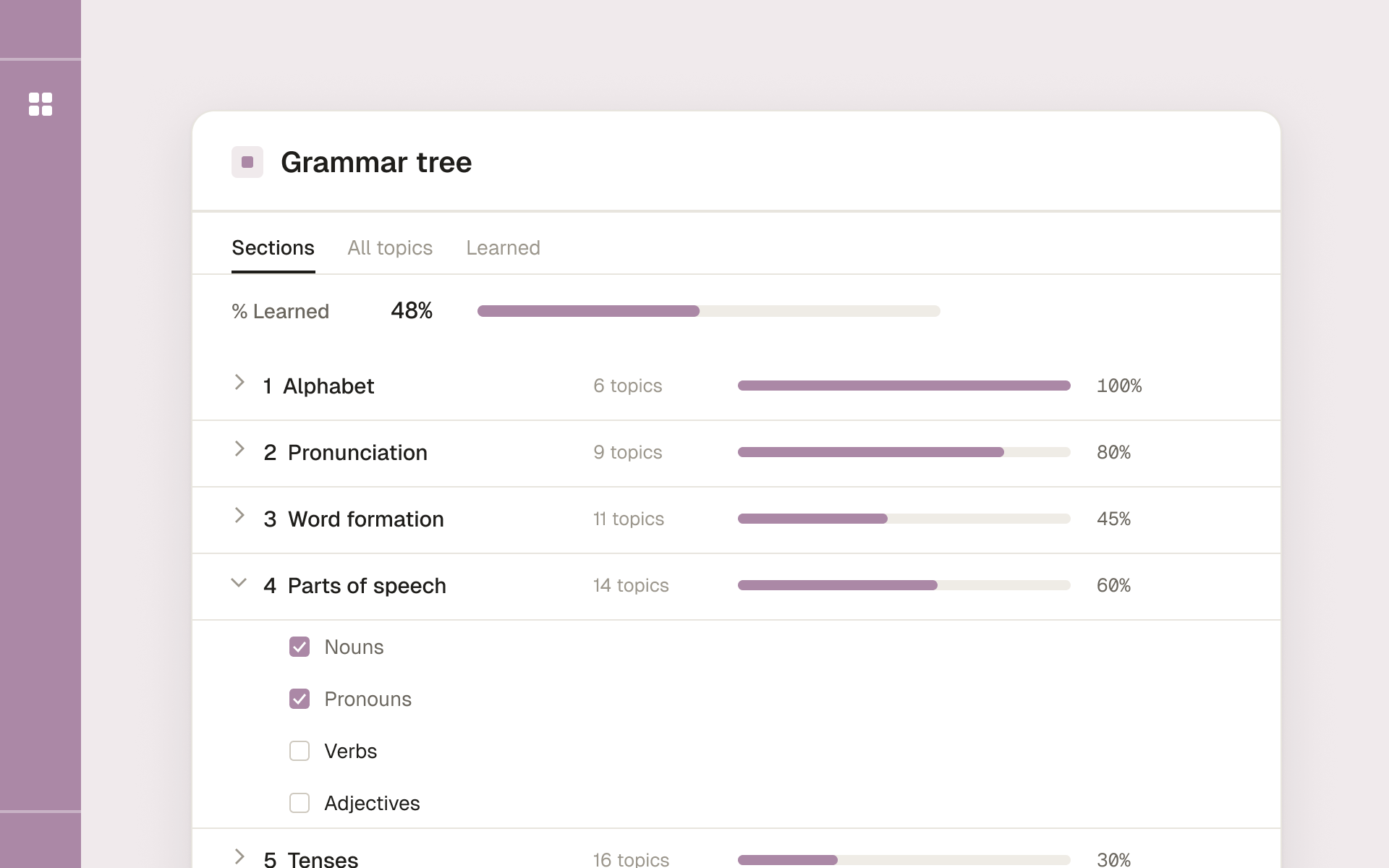
Any language Grammar Tree
- Topic
- Languages
- Includes
- 7 sections: alphabet, pronunciation, word formation, parts of speech, tenses, sentence, punctuation
- Best for
- Self-study, teachers and polyglots
Coming soon
4 templates still on the workbench.
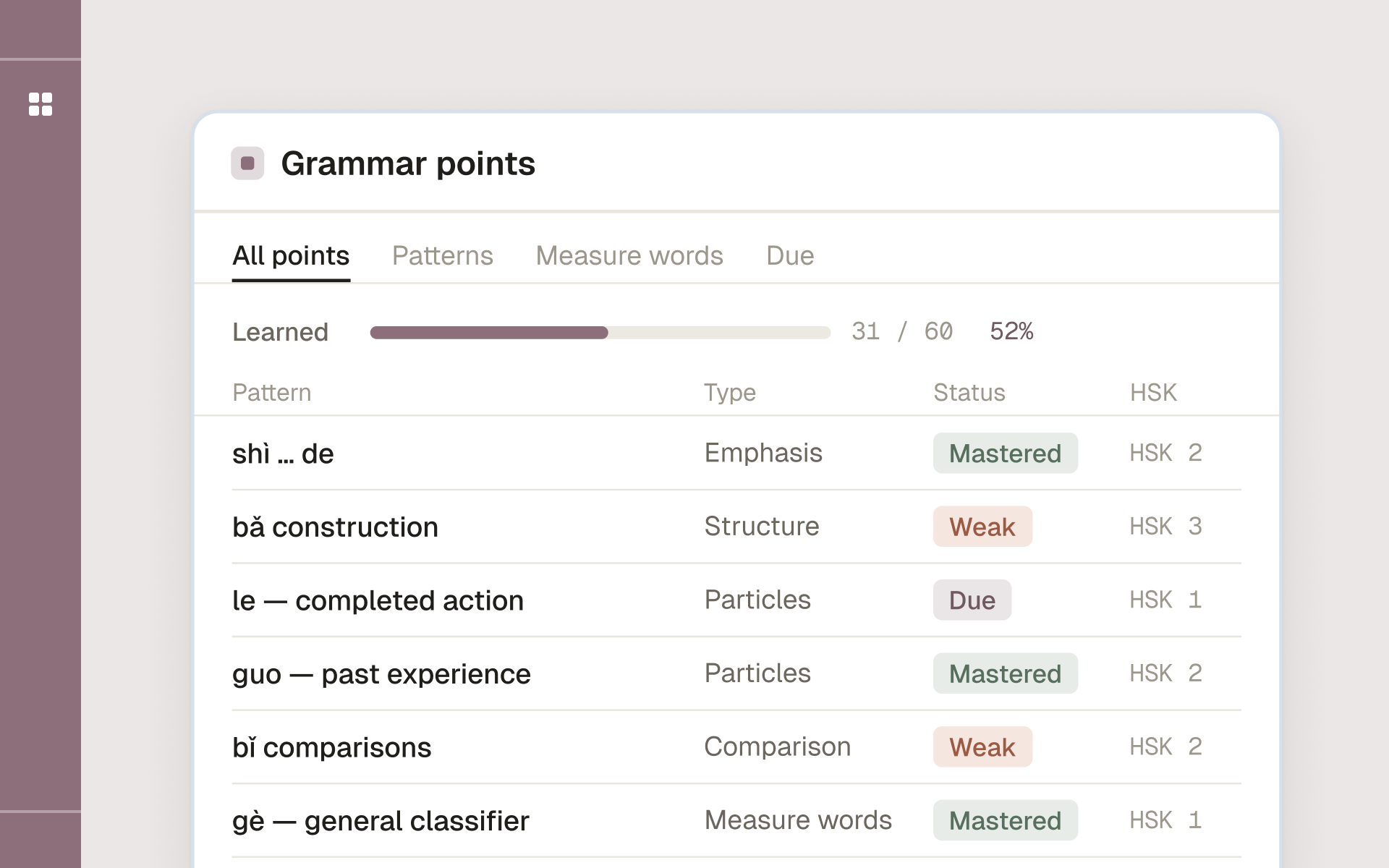
Chinese Grammar Notion Template
- Topic
- Languages
- Includes
- Grammar points database · Pattern & measure-word tracker · Due / weak / mastered views · Progress rollups
- Best for
- Mandarin learners and exam prep
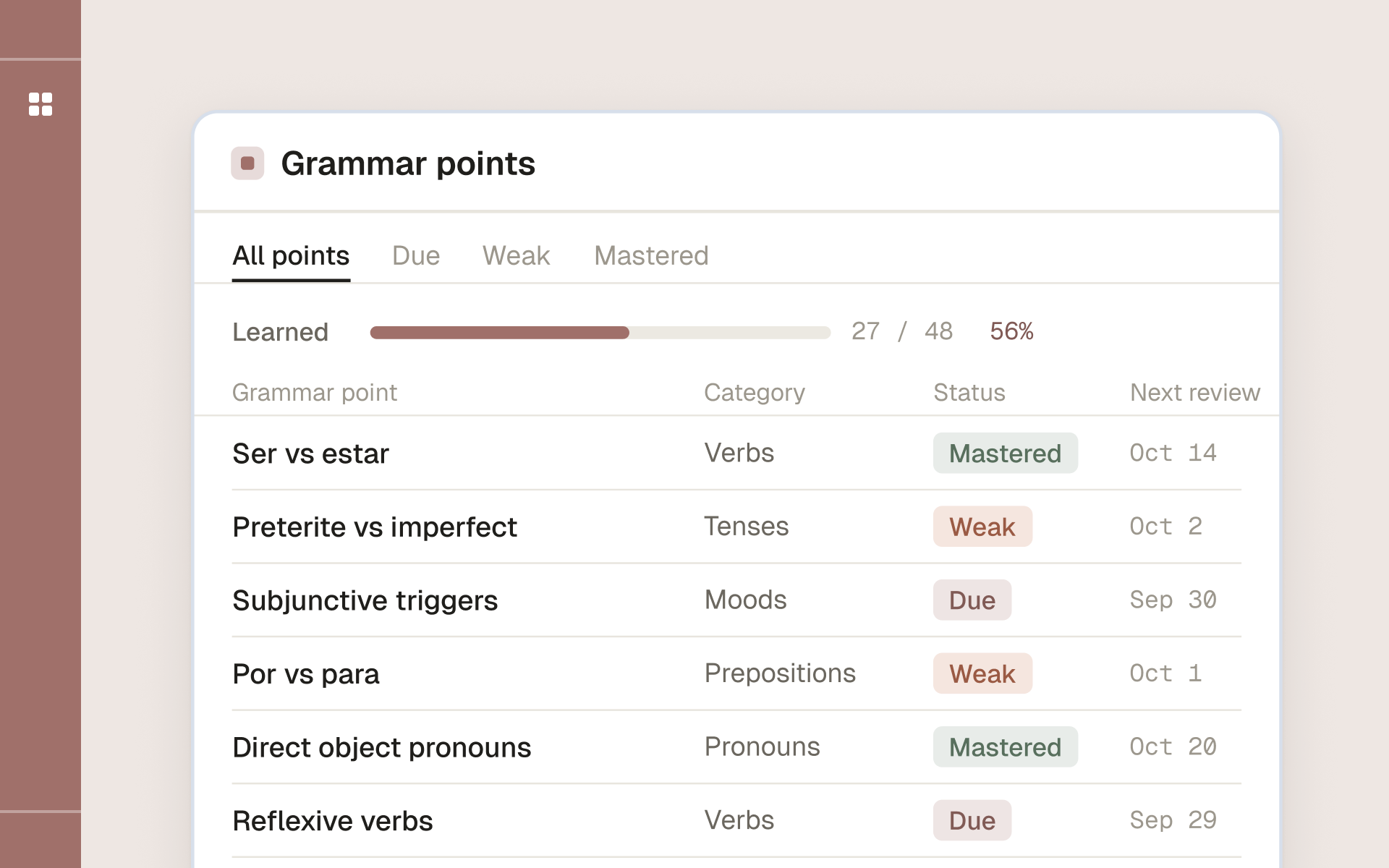
Spanish Grammar Notion Template
- Topic
- Languages
- Includes
- Grammar points database · Conjugation tracker · Due / weak / mastered views · Progress rollups
- Best for
- Spanish learners and exam prep
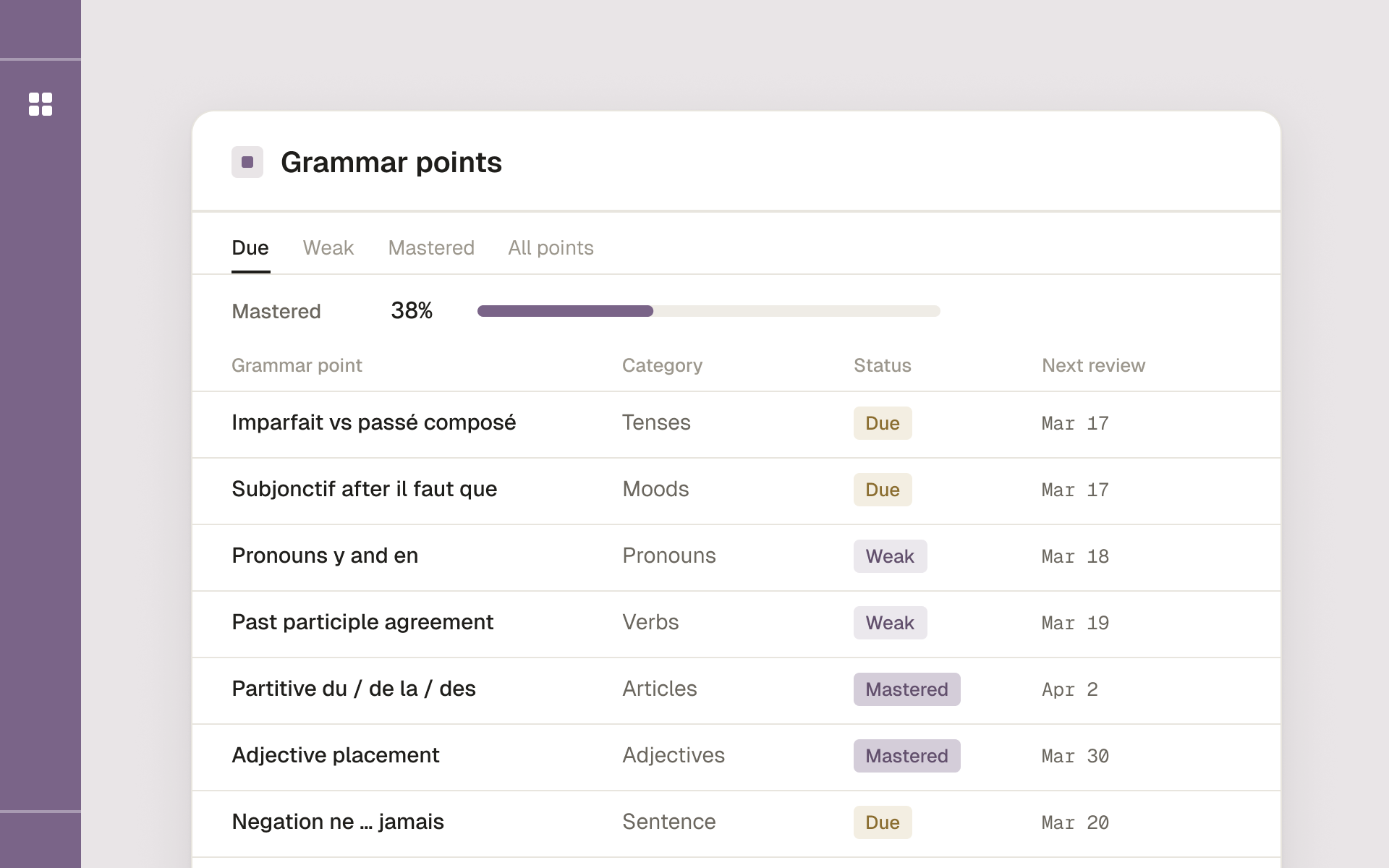
French Grammar Notion Template
- Topic
- Languages
- Includes
- Grammar points database · Conjugation tracker · Due / weak / mastered views · Progress rollups
- Best for
- French learners and exam prep
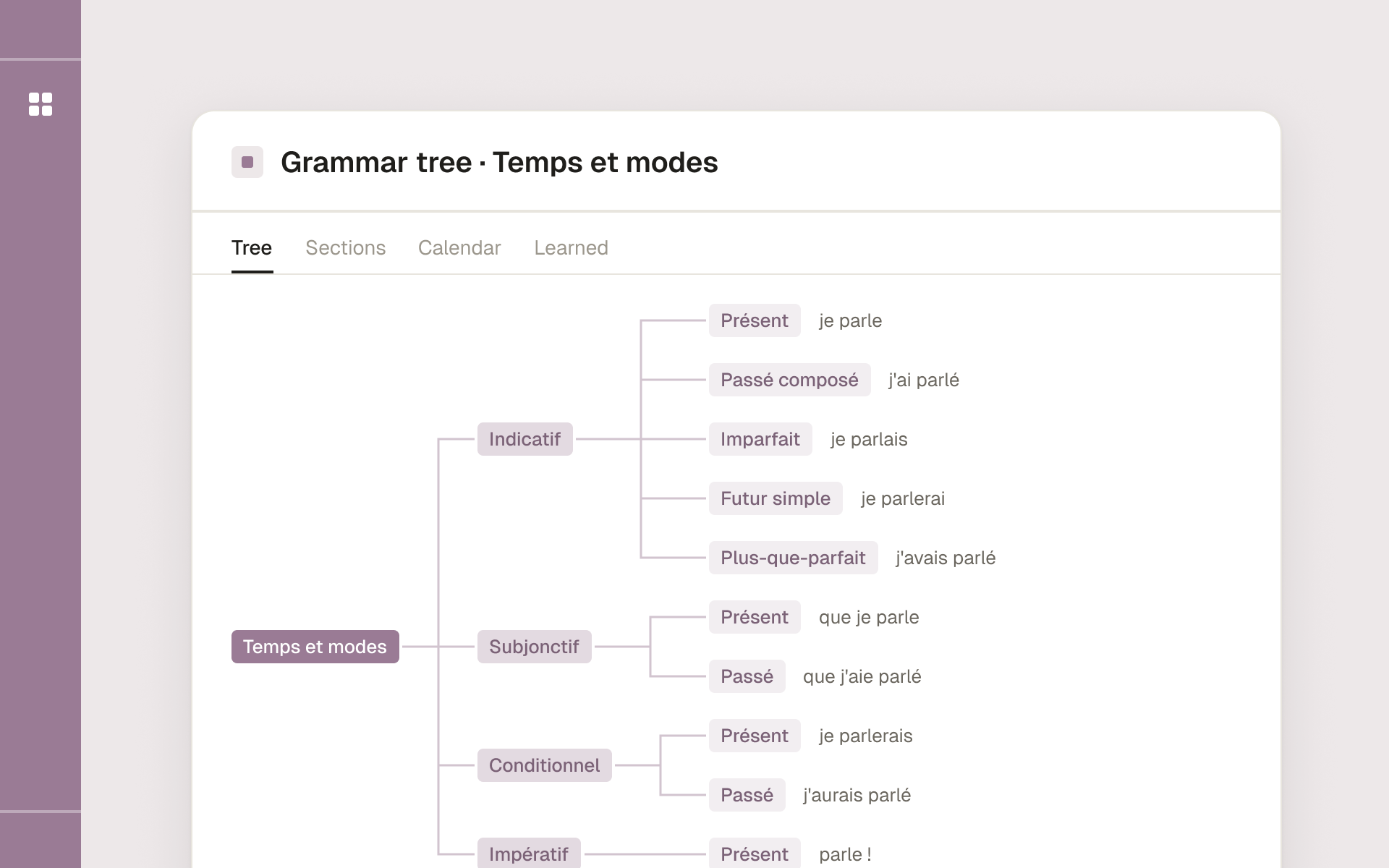
French language Grammar Tree
- Topic
- Languages
- Includes
- 7 sections incl. accents and moods · Topic hierarchy · % learned rollups · Notion Calendar ready
- Best for
- Beginner to intermediate French learners
Questions
Which template should I start with?
If you are learning English, the English Grammar Study Planner. For any other language, the Any language Grammar Tree: you fill in the topics of your language inside a ready structure of seven sections.
Can a teacher use these templates with students?
Yes. Duplicate the template once per student or class and track progress by topic. Teachers also use the Grammar Tree as a syllabus map.
Do the templates include grammar explanations?
The English planner comes with a database of grammar topics. The Grammar Tree is a framework: the structure, views and progress tracking are ready, and you add explanations and examples as you study.
How do I get the template after paying?
You get an email with a Notion link straight after checkout, and the same link is on your order page. Open it and press Duplicate: the template is copied into your workspace.
Read more
All articles- Languages
10 Best Notion Templates for English Language Learners in 2026
A practical comparison of the ten most useful Notion template types for English learners — vocabulary builders, grammar trackers, immersion logs, and more — with who each one is for and what to look for before you copy it.
8 min read · 4 Jun 2026 - Languages
The Notion Grammar System: Set Up Spaced Repetition in 30 Minutes
A focused walkthrough for adding real spaced repetition to a Notion grammar setup — using a single date property, smart filtered views, and a review formula — so rules move into long-term memory without extra apps.
7 min read · 4 Jun 2026 - Languages
How to Master English Grammar Using Notion (Step-by-Step Guide)
A complete, hands-on guide to building an English grammar learning system in Notion: a rules database, a practice tracker, a mistake log, and a daily routine that turns scattered study into measurable progress.
9 min read · 4 Jun 2026