Last updated: 11 October 2026 · By Zoya K
Notion MCP lets the AI app you already use, such as Claude, ChatGPT or Cursor, read and edit your Notion workspace. This guide shows how to connect each client, what works on each Notion plan, and what to lock down before an AI gets access to your pages.
What is Notion MCP?
Notion MCP is Notion's hosted Model Context Protocol server that lets AI apps like Claude, ChatGPT and Cursor read and edit your Notion workspace with your permissions, after you sign in with OAuth. You add one server address, https://mcp.notion.com/mcp, approve access in the browser, and the AI app can search, read, create and update pages.
Notion's help center calls it "a bridge that lets AI assistants like Claude, ChatGPT, and Cursor read from and write to your Notion pages in real-time." The developer docs describe it as "a remote MCP server hosted by Notion." For non-developers that means three things:
- Nothing to install. Notion runs the server.
- No token to copy. You approve access on an OAuth consent screen. There is no secret key to paste.
- It works as you. The AI sees what your Notion account can see, which is why there is a safety section below.

What can an AI app do in Notion through MCP?
Through Notion MCP an AI app can search Notion and connected sources, read pages and databases, create and update pages, databases and views, add and read comments, upload files, query meeting notes, and start Custom Agent sessions. Notion's official tools page listed 36 distinct tool names on 11 October 2026.
The count changes often: older articles quote 13 or 18 tools. The groups below come from Notion's Supported tools page, with example prompts adapted from it.
| What the AI can do | Example prompt |
|---|---|
| Search your workspace | "What decisions have we made about the mobile launch?" |
| Read pages and databases | "What requirements still need to be built from this ticket?" |
| Create, edit, move and duplicate pages | "Change the status of this task from In Progress to Complete." |
| Build databases and views | "Create a board view grouped by Status in my tasks database." |
| Query databases | "What's due for me this week across all tasks? Group by priority." |
| Comment | "Show me the comments on the Requirements section." |
| Upload files (up to 20 MiB each) | "Upload diagram.png and add it to the project plan." |
| Query meeting notes | "What were the action items from my sprint planning meetings?" |
| Run Custom Agent sessions | "Ask our Support Agent to summarize this customer issue." |
One quirk: in ChatGPT, Notion drops the "notion-" prefix from the fetch and search tools, so they appear as plain fetch and search.
How much does Notion MCP cost on each plan?
Notion doesn't charge a separate fee for MCP, and the tools are listed on every plan. Some capabilities need a Business or Enterprise plan with Notion AI: AI search across connected apps, unlimited SQL across data sources, meeting-notes queries and advanced search filters. On other plans those calls fall back to simpler behavior or show an upgrade prompt.
No other guide maps this, so here it is, built from the plan notes on Notion's Supported tools page (checked 11 October 2026). It covers capabilities, not prices. For what Notion AI costs, see Notion AI pricing and credits.
| Capability | Free and Plus | Business and Enterprise with Notion AI |
|---|---|---|
| Keyword search of your workspace | Yes | Yes |
| Filters by editor, last-edited date, several teamspaces, title only, content status; sort by date | Dropped, with a notice | Yes |
| AI search across connected sources (Slack, Google Drive, Jira) | Falls back to keyword search | Yes |
| SQL queries over databases | One data source at a time, shared workspace allowance | Unlimited, across several data sources |
| Meeting notes queries | Upgrade prompt | Yes |
| Admin allowlist of AI apps | No | Enterprise only |
In practice, someone on the Free plan can still connect Claude, read pages, create tasks and edit databases. The paid features matter when you want answers across Slack and Drive, or reports over several databases at once. To check your own workspace, ask the AI app: "Which Notion tools can I use on this workspace's plan?"
How do I connect Notion MCP to Claude, ChatGPT or Cursor?
If your AI app has a built-in Notion connector, add it from that app's settings or from the Notion MCP gallery and approve the OAuth screen. Developer tools such as Claude Code, Cursor, Codex and VS Code add the server address https://mcp.notion.com/mcp to their config, then you sign in once in the browser.
Pick your row, then follow the steps below. All of them come from Notion's connection guide.
| Your client | Method | Where |
|---|---|---|
| Claude Code | One terminal command | Terminal, then /mcp |
| Cursor | JSON config | .cursor/mcp.json, then Customize |
| VS Code (GitHub Copilot) | JSON config | .vscode/mcp.json, then MCP: List Servers |
| Codex (ChatGPT) | TOML config | ~/.codex/config.toml, then codex mcp login notion |
| Claude or ChatGPT apps | Built-in connector | App settings or the Notion MCP gallery |
| Clients that only run local servers | mcp-remote bridge | The client's JSON config |
Claude Code
Run one command in your terminal:
claude mcp add --transport http notion https://mcp.notion.com/mcpThen type /mcp in Claude Code, pick Notion and finish the OAuth flow. Add --scope user to use the server in all projects, or --scope project to share it with your team through .mcp.json.

Cursor and VS Code
For Cursor, create .cursor/mcp.json in your project root (or ~/.cursor/mcp.json for all projects):
{
  "mcpServers": {
    "notion": {
      "url": "https://mcp.notion.com/mcp"
    }
  }
}
Then open Customize in Cursor's sidebar, enable Notion and sign in.
VS Code uses a slightly different shape in .vscode/mcp.json:
{
  "servers": {
    "notion": {
      "type": "http",
      "url": "https://mcp.notion.com/mcp"
    }
  }
}
Run MCP: List Servers from the Command Palette, start Notion and sign in.
Codex
Add this to ~/.codex/config.toml, then run codex mcp login notion:
[mcp_servers.notion]
url = "https://mcp.notion.com/mcp"
Claude and ChatGPT apps
The chat apps need no config file. Notion's help center gives two no-code routes: the Notion MCP gallery, or the built-in Notion option in the AI app's settings or integrations menu. Notion lists Claude Desktop, Claude.ai and ChatGPT Pro among the popular apps. Menu names and plan requirements on the Anthropic and OpenAI side change often, so check their help pages for the current path. The last step is always the Notion consent screen: pick the workspace and allow access.
Clients that only support local (stdio) servers
Some clients can only start local programs. For those, Notion recommends the mcp-remote bridge:
{
  "mcpServers": {
    "notion": {
      "command": "npx",
      "args": ["-y", "mcp-remote", "https://mcp.notion.com/mcp"]
    }
  }
}
Skip the old GitHub package. Notion's FAQ says the open-source notion-mcp-server "is no longer actively maintained." Older tutorials still point to it, which is why people go looking for an access token they don't need.
Notion MCP vs the Notion API: which one do you need?
Use Notion MCP when a person works with an AI app interactively and can sign in. Use the Notion API, with a personal access token or an internal connection, for unattended scripts and scheduled automations. Notion MCP currently requires the interactive OAuth flow, and Notion says support for non-interactive authorization is in progress.
| Notion MCP | Notion API | |
|---|---|---|
| Who drives it | An AI app, prompted by you | Your code or an automation tool |
| Sign-in | OAuth in the browser | A token you create and store |
| Runs unattended | Not yet | Yes |
| Best for | Questions, drafts, tidying databases in chat | Nightly syncs, webhooks, n8n or Make workflows |
A typical split: a team lead asks Claude through MCP to summarize this week's open bugs. The nightly job that copies form submissions into the same tracker uses the API, because nobody is there to click "Allow".
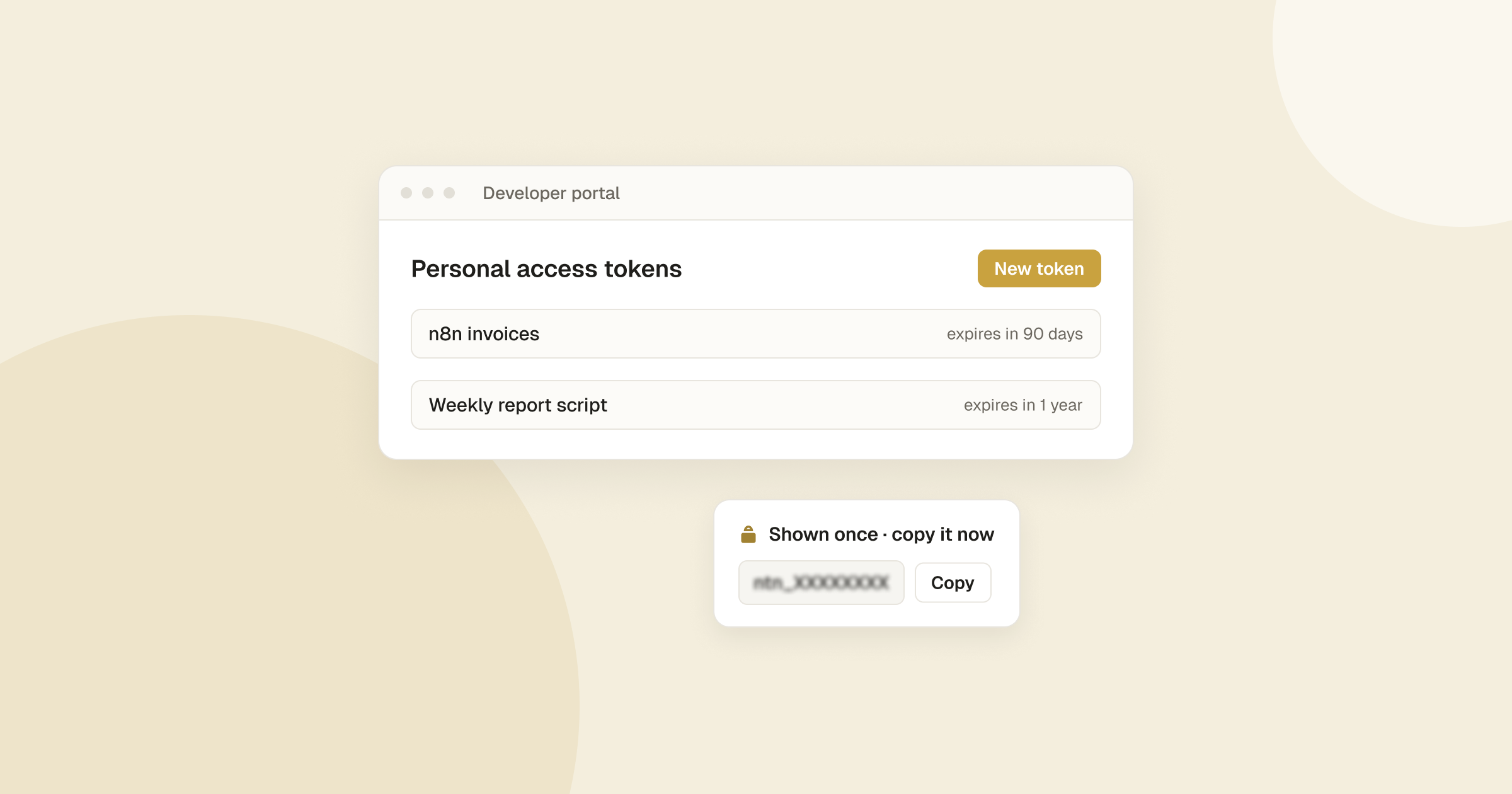
Looking for a "Notion MCP access token"? The hosted server doesn't use one. Tokens belong to the API, covered in the guide to getting a Notion API key. Never paste a real token into a chat or public code; use placeholders like ntn_XXXX in examples.
Can Notion's own agents connect to other apps through MCP?
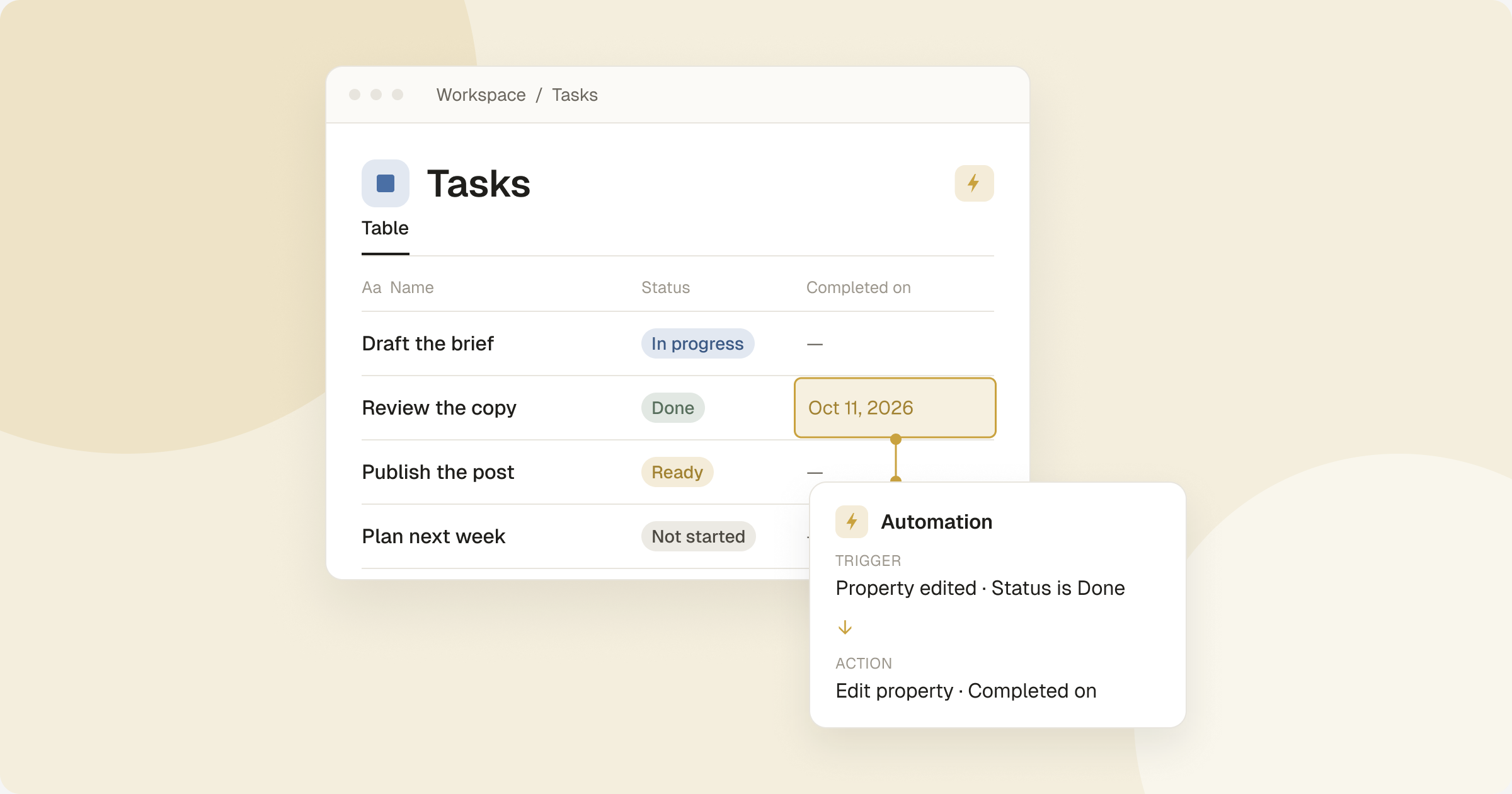
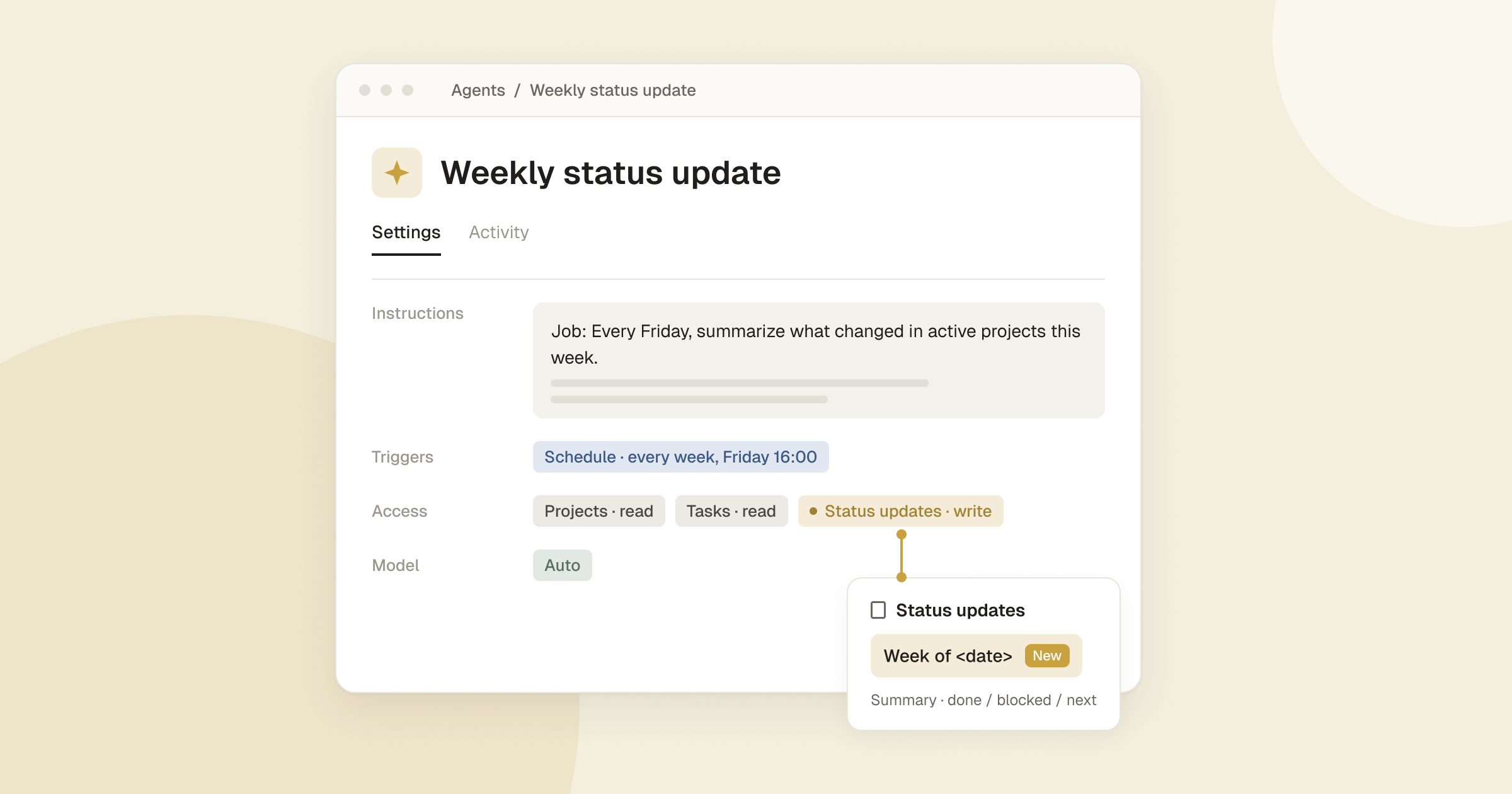
Yes, and it's a separate feature. Notion Agent and Custom Agents can call other apps' MCP servers, such as GitHub, Figma, Linear or n8n. This runs on Business and Enterprise plans only, and each person, or each Custom Agent, signs in to the other app separately. It doesn't change who can reach your workspace.
Search results mix up three directions that all carry the "MCP" label:
- External AI app → Notion. This is Notion MCP. Every plan, with the limits above.
- Notion Agent → other apps. Per Notion's help page, "You need to be on a Business or Enterprise plan." The connection is yours; teammates connect with their own accounts.
- Custom Agents → other apps. "MCP connections are available on Business and Enterprise plans only", and each connection "is unique to a single Custom Agent." The pre-configured list includes GitHub, Figma, Linear and n8n.
For direction 3, start with the guide to Notion Custom Agents.

Is Notion MCP safe? A checklist before you connect
Notion MCP tools act with your full Notion permissions, so a connected AI app can reach everything you can. Connect only clients you trust, use the official endpoints, treat page content as untrusted because of prompt injection, and require confirmation before the client changes anything. You can disconnect a client at any time.
Notion's wording is blunt: "MCP tools act with your full Notion permissions." If you can open HR pages or client contracts, so can the AI app. The checklist, based on Notion's MCP security best practices:
- Connect only clients you trust. Check the listing and server URL before installing anything called "Notion MCP".
- Use the official endpoints. https://mcp.notion.com/mcp, or https://mcp.notion.com/sse as a fallback.
- Turn on confirmation before edits. Notion advises: "Enable confirmation before actions that change content."
- Treat page content as untrusted. A page or synced message can hide instructions aimed at the AI.
- Know where the data goes. A connected client may send Notion content to its own servers.
- Know how to disconnect. Use Disconnect or Clear authentication in the client's MCP settings. Workspace owners manage MCP access under Settings → Connections.
On Enterprise, MCP Governance lets admins approve specific AI apps, block the rest, and revoke every connection with Disconnect All Users.

How do you keep track of what's connected?
Once a few AI apps and automations touch your workspace, keep a simple register: which client is connected, with whose account, what it may do, who owns it and how to revoke it. Notion doesn't yet show which users use each AI tool, so the register becomes your own audit trail when someone leaves.
Picture a five-person agency: Claude Code for the developer, ChatGPT for the account manager, a Custom Agent pulling from Linear, and two n8n workflows writing through the API. When a contractor leaves, someone has to know which of those connections ran on their login. Log the client, direction, account, MCP or API, owner and revoke steps, and review it monthly.
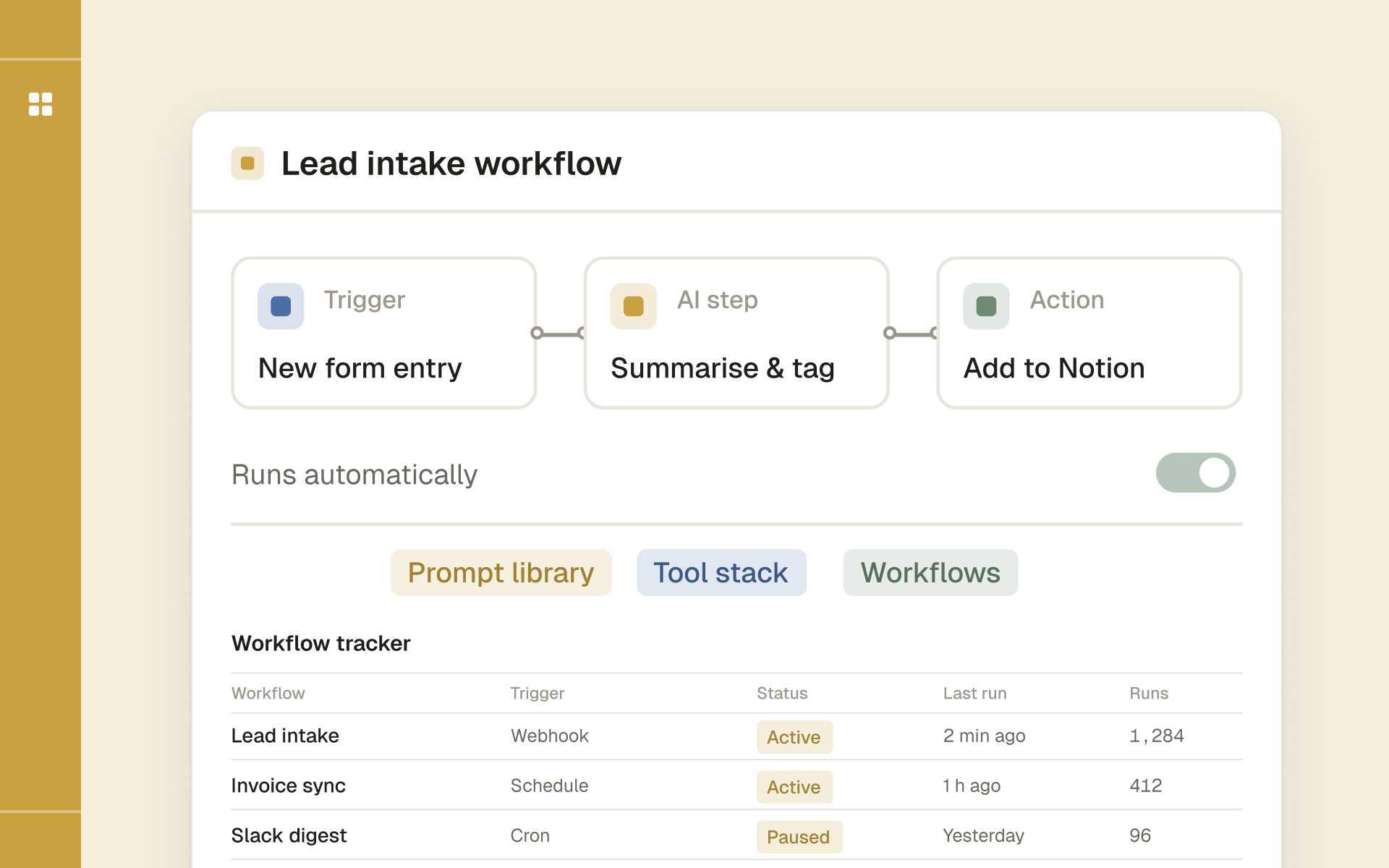
Its API registry, workflow tracker and runbooks give you one place to log every MCP client and automation, whose account it uses and how to revoke it.
For the documentation side, see how to make your workflows AI-agent ready. For built-in options that need no AI app, see Notion automations.
FAQ
How much does Notion MCP cost?
There is no separate fee, and the tools are listed on every plan. AI search across connected apps, unlimited SQL across data sources and meeting-notes queries need Business or Enterprise with Notion AI.
Can ChatGPT be integrated with Notion?
Yes, through Notion MCP. Notion's help center lists ChatGPT Pro among the popular apps; check OpenAI's help pages for which ChatGPT plans support MCP connectors.
How do I connect to Notion MCP?
In a chat app, use its Notion connector or the Notion MCP gallery and approve the OAuth screen. In a developer tool, add https://mcp.notion.com/mcp to its MCP config and sign in.
How do I connect Notion MCP with Claude Code?
Run claude mcp add --transport http notion https://mcp.notion.com/mcp, then type /mcp in Claude Code and finish the OAuth flow.
Where is my Notion MCP access token?
You don't need one. Hosted Notion MCP uses OAuth sign-in; tokens are for the Notion API and the old self-hosted server.
Is the Notion API free?
Notion's pricing page lists the Public API as a plan feature, not a separate product. Per Notion's request limits page, each connection gets 600 requests per minute on Business and Enterprise and 180 on other plans.
Is Notion MCP the same as notion-mcp-server on GitHub?
No. Notion MCP is the hosted server Notion maintains; the open-source notion-mcp-server "is no longer actively maintained."
Can Notion MCP upload files?
Yes, up to 20 MiB per file through the notion-create-file-upload tool. Workspace file-size limits still apply.
Can admins block some AI apps?
Yes, on Enterprise with MCP Governance. Admins approve specific AI apps and MCP clients and block all others.