If you already track grammar rules in Notion, you have done the hard part. But a static rules database has one flaw: it does not tell you what to review today. Without that, you re-read the rules you already know and ignore the ones slipping away. Spaced repetition fixes this — and you can build a working version in Notion in about half an hour, no plugins or paid apps required.
This guide assumes you have a Grammar Rules database (or will build a quick one). The focus here is the review engine that sits on top of it.
What Spaced Repetition Actually Does
The principle is simple: review a rule just before you would forget it, and push the next review further out each time you succeed. A rule you learn today gets reviewed tomorrow, then in three days, then a week, then a month. Each successful review strengthens the memory and earns a longer gap.
Apps like Anki do this automatically. Notion will not match Anki's algorithm, but a lightweight version captures most of the benefit and lives alongside everything else you already track. The tradeoff — slightly more manual, fully integrated — is usually worth it for language learners.
Step 1: Add the Two Properties You Need
Open your Grammar Rules database and add:
- Next Review (date) — when this rule is due.
- Interval (number) — how many days until the next review. Start every rule at 1.
That is the entire data model. Everything else is views and a small bit of manual updating.
Step 2: Build the "Due Today" View
Create a new table or board view called Review Queue. Add a filter: Next Review is on or before Today. Sort by Next Review ascending so the most overdue rules surface first.
This single view is the heart of the system. Open it each morning and it shows exactly which rules need attention — nothing more, nothing less. The mental relief of not deciding what to study is real, and it is what keeps the habit alive.
Step 3: Define Your Intervals
Use a simple expanding sequence. After a successful review, set the next interval to roughly double the last:
- 1 day → 3 days → 7 days → 16 days → 35 days → 90 days
When you review a rule and recall it easily, bump Interval to the next step and set Next Review to today plus that many days. When you miss it, reset Interval to 1 and set Next Review to tomorrow. The rule re-enters the fast cycle until it sticks again.
You can do this by hand in 10 seconds per rule, which is fine for a review queue of five to ten cards a day.
Step 4: Optional — Automate the Date With a Formula
If you want less manual work, add a formula property that suggests the next review date. A practical version:
dateAdd(now(), prop("Interval"), "days")This shows the date your current interval implies. You still set the actual Next Review and bump the Interval yourself (Notion formulas cannot write back to a date property), but the formula removes the mental math. For most learners, a manual date plus this hint is the sweet spot between automation and effort.
Step 5: Create a Daily and Weekly Rhythm
The views are built; now run them:
- Daily (10 min): Open the Review Queue. For each rule, recall it from the title alone, then check the examples. Right? Bump the interval and date. Wrong? Reset to 1 day. Move on.
- Weekly (15 min): Add any new rules from the week, all starting at Interval 1. Glance at how many rules are due in the coming days — if the queue is ballooning, you are adding new rules faster than you can absorb them. Slow down.
Keeping the Queue Healthy
A few habits prevent the system from collapsing:
- Cap new rules. Two to three new rules a week is sustainable. More than that and reviews pile up until you quit.
- Never skip a day fully. If you are short on time, do five cards instead of zero. Momentum matters more than completeness.
- Retire mastered rules. Once a rule reaches the 90-day interval and you still nail it, mark it Mastered and filter it out of the queue. It does not need active review anymore.
- Feed it from your mistakes. When you make a real error in writing or speech, find the rule, reset its interval to 1, and it re-enters rotation. Your errors should drive the queue.
Why This Beats a Standalone App
A dedicated app does the scheduling math better, but it lives in a silo. Building spaced repetition into Notion means your review queue sits next to your practice log, your mistake tracker, and your resources. One open tab, one routine, everything connected. For language learners who already organize their lives in Notion, that integration usually wins over a marginally smarter algorithm.
Start With Ten Rules
Do not migrate your whole rule list at once. Add Next Review and Interval to ten rules, set them all to due today, and run the daily loop for a week. Once it feels natural, fold in the rest. Within a month the queue will be quietly resurfacing rules at exactly the right moments — and you will notice the rules actually staying put.
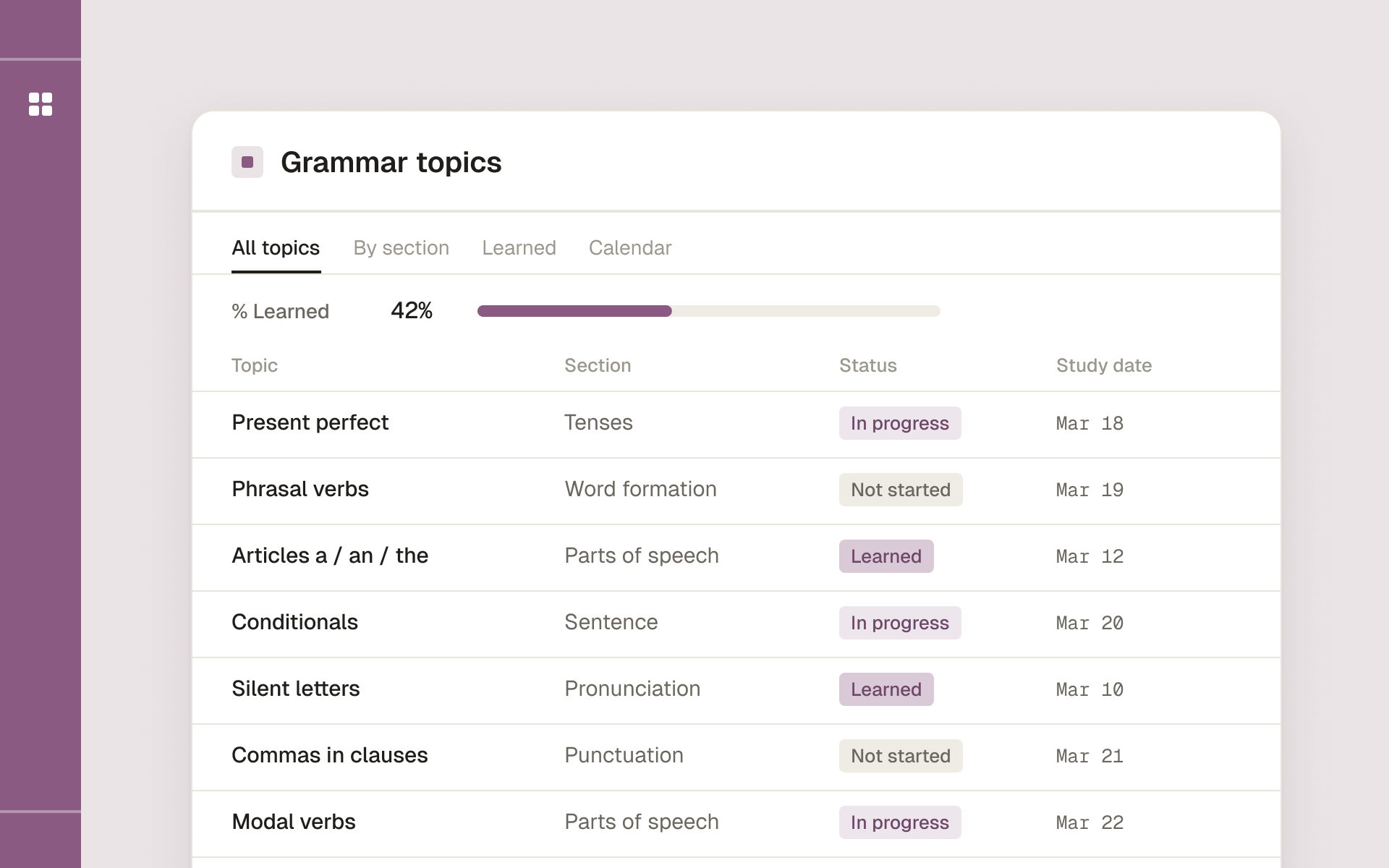
Study English grammar topic by topic, with exercises and answer keys, and track what you have learned.